
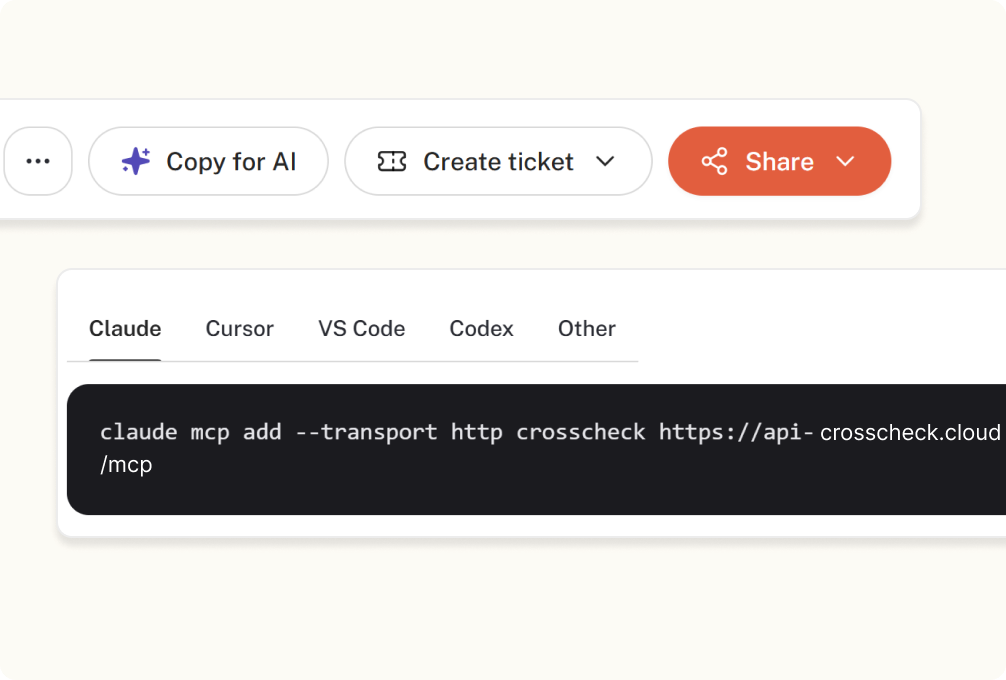
Debug with AI
One click to send sessions, console, and network data to Claude, Cursor, or any MCP client for AI-powered fixes.

One click captures the recording, console, network, and every step so bugs get fixed, not re-explained.



Crosscheck grabs the recording, console, network and every step in one click — so the bug report fixes itself faster.
One click to send sessions, console, and network data to Claude, Cursor, or any MCP client for AI-powered fixes.
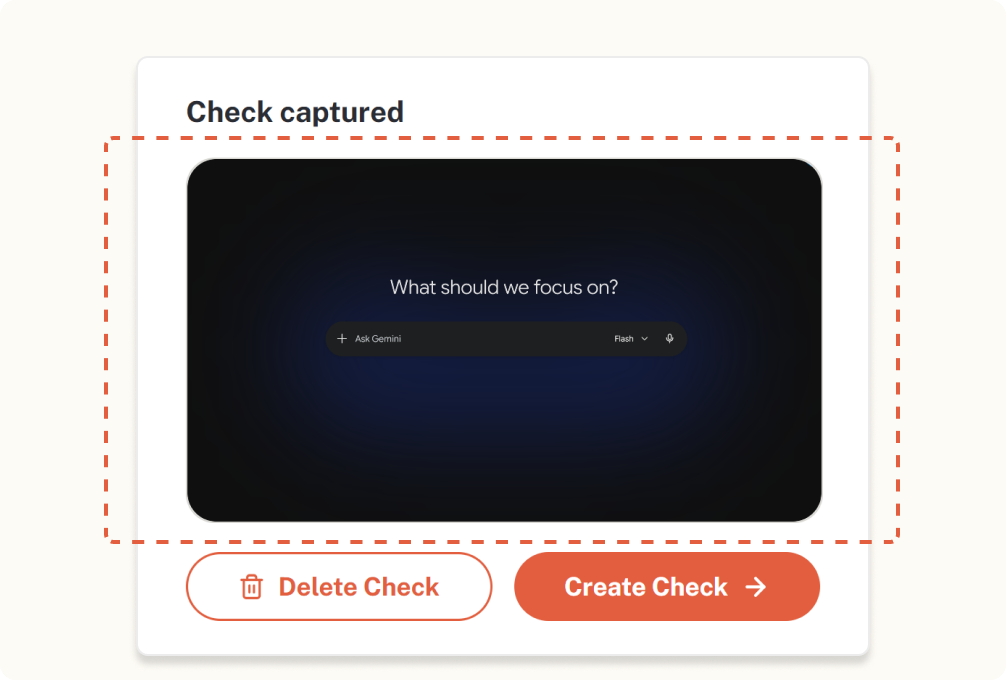
Capture the exact viewport with device pixel ratio, URL and browser context baked in.
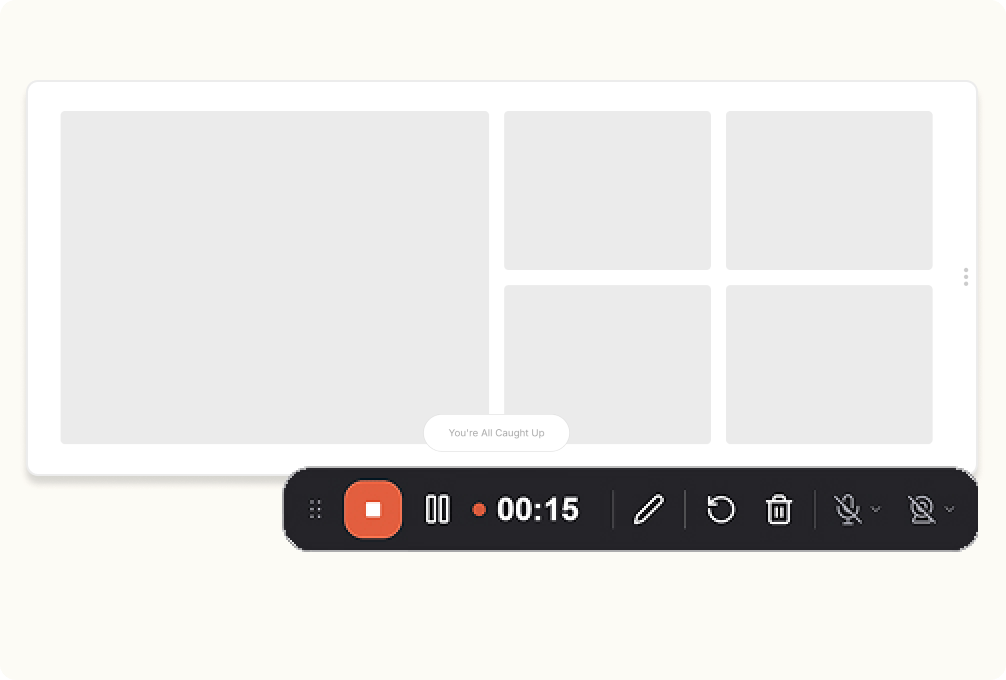
Record up to 5 minutes on Free, unlimited on Pro. Playback synced to console, network and every user action.
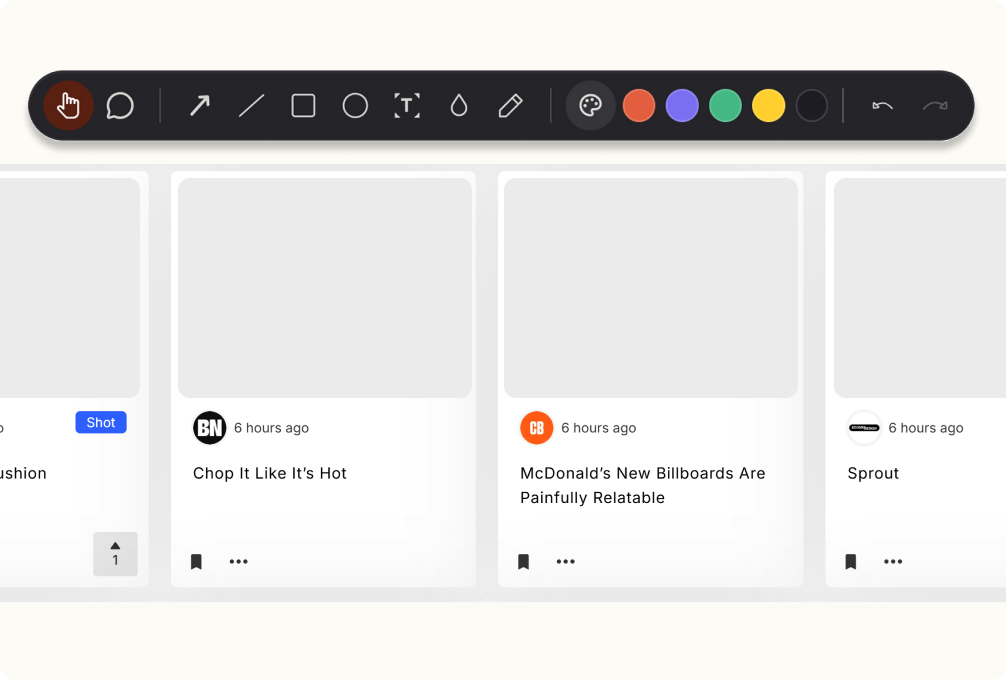
Built-in editor with arrow, box, circle, text, highlight and blur to redact sensitive data — no external tool needed.
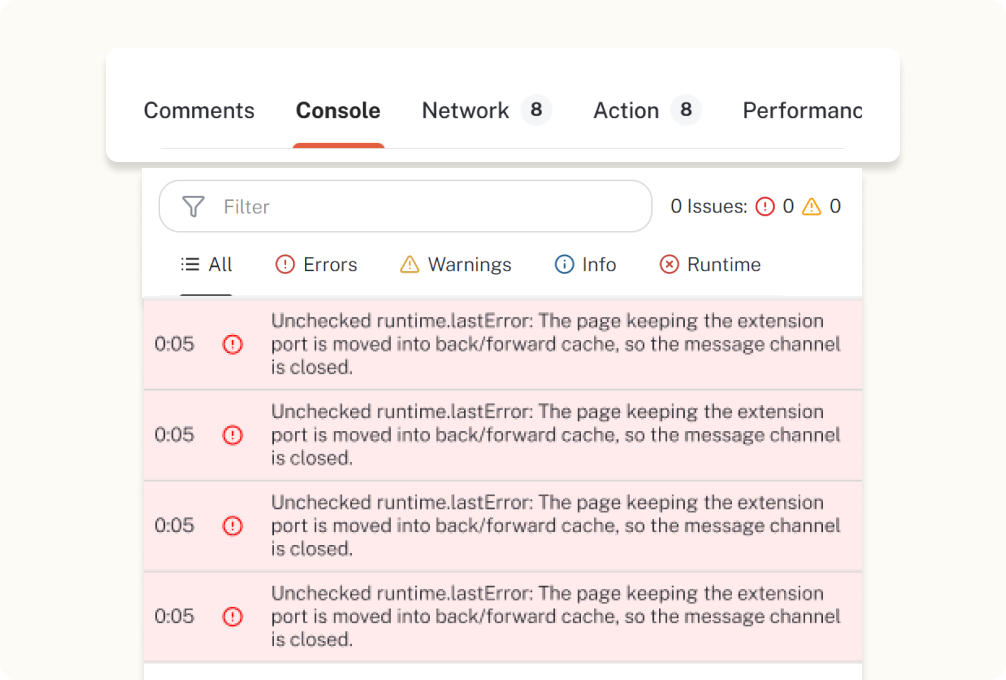
Console, Network, Performance and Actions tabs - filter by Errors, Warnings, Info or Runtime. DevTools without opening DevTools.
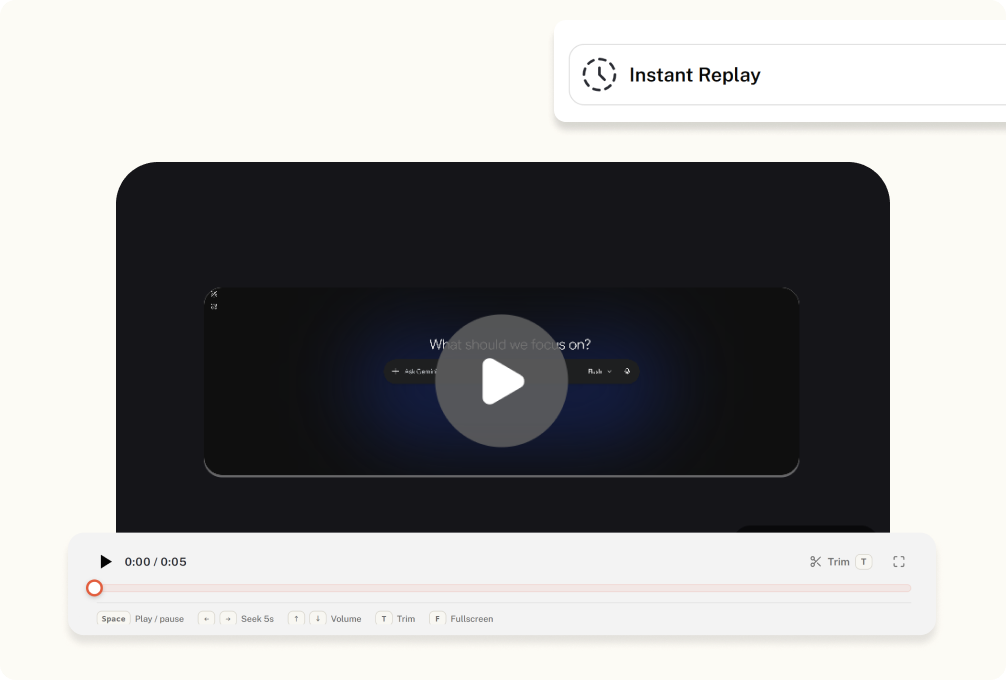
Rewind up to 2 minutes of the session with full environment profile: OS, browser, viewport, pixel ratio, language, network.
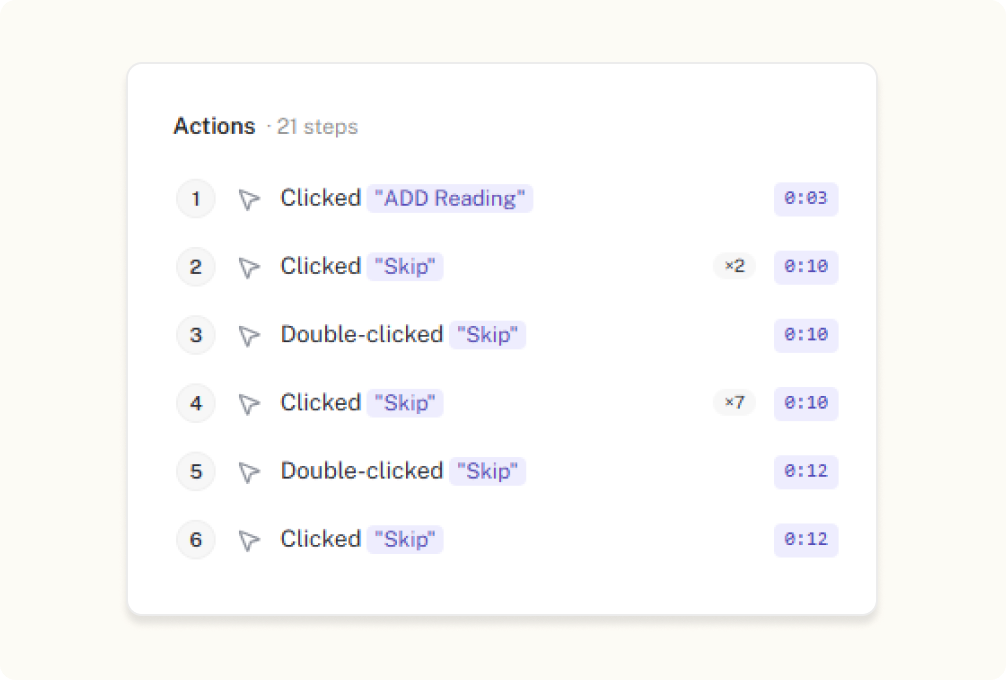
Every click, scroll and input logged as a semantic action - 'Clicked Pay $129.00' - with error markers aligned to the replay.
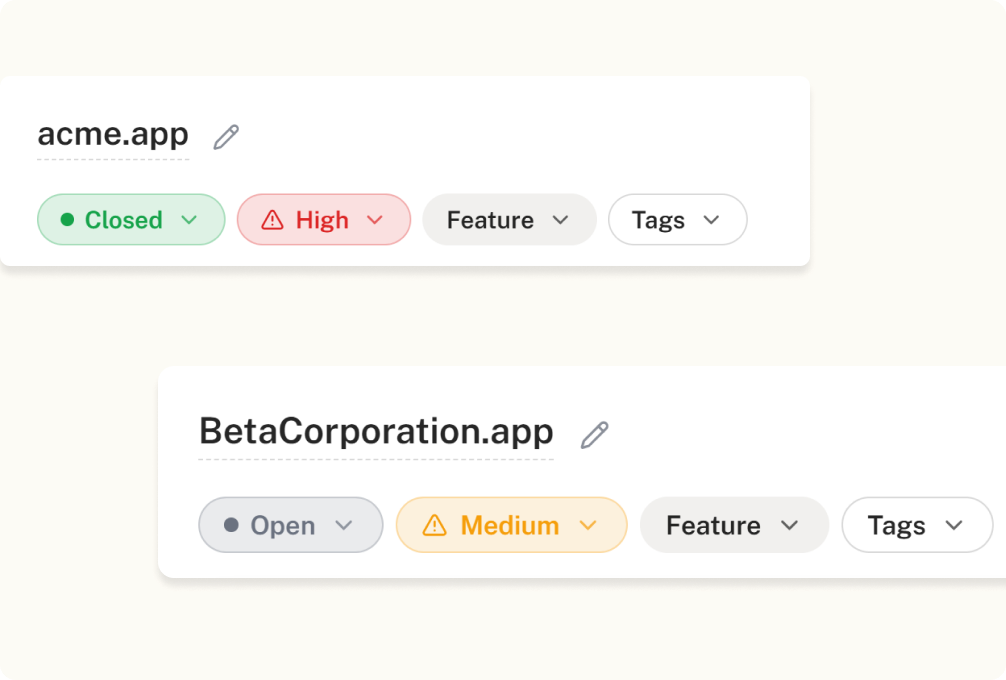
Triage with Open, High/Medium/Low, Feature/Bug and environment tags. Push straight to Jira, ClickUp or your MCP agent.

Crosscheck helps QA testers capture every bug with complete context. Record your screen, add screenshots, collect console logs, and document reproduction steps—all in one report that developers can understand instantly.
Included
 Add to Chrome
Everything in Free, plus:
No matter which browser you use, you're covered. Compatible with Chrome, Firefox, Safari, and all Chromium- and Firefox-based browsers. Free for NGOs and educational institutions.
Add to Chrome Firefox
 Google Chrome
 Safari
17,831,410
Bugs captured by 10,000+ development teams
“Crosscheck has completely transformed how we handle bug reports. The ability to record, replay, and capture all the technical context—without any extra back-and-forth—has saved our team hours. Even non-technical teammates can report issues clearly now. It’s a game-changer for collaboration between QA, design, and engineering.”
Rich, structured check context that any MCP-compatible AI tool can read in one call.
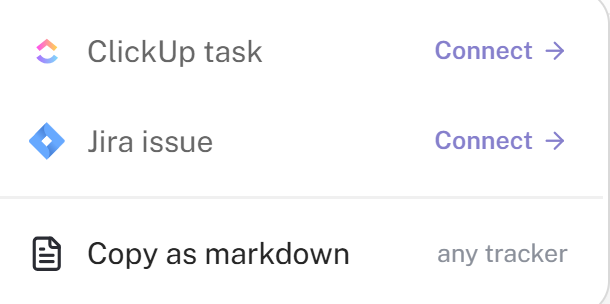
Push any CrossCheck finding straight into Jira or ClickUp with context, screenshots, and reproduction steps attached.
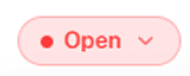
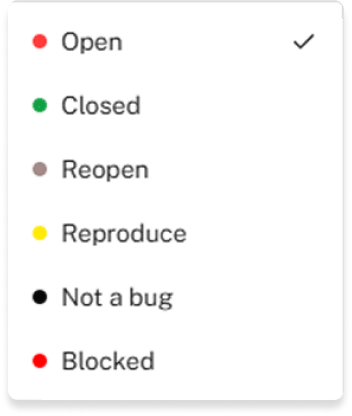
Track every bug from report to resolution. Update statuses, collaborate with your team, and keep everyone aligned throughout the entire debugging process.


Structured, high-quality check data optimized for AI summaries, smart triage, and advanced search.


 Click Up
 Jira
Jira



“Crosscheck has completely transformed how we handle bug reports. The ability to record, replay, and capture all the technical context—without any extra back-and-forth—has saved our team hours. Even non-technical teammates can report issues clearly now. It’s a game-changer for collaboration between QA, design, and engineering.”
 Darrell Steward,
Changelog
The v1.2.1 release fixes the biggest source of frustration — checks that would get stuck "uploading" forever. The new version recovers cleanly from network blips, session timeouts, and browser restarts.
Apr 19, 2026
We rebuilt how the extension stores captured data so long recordings don't crash. You can now see the cursor in instant replay, double-press Escape to close the captured modal, and more.
Apr 14, 2026
The Network tab's header stays visible while you scroll, long URLs no longer stretch the column, timestamps are accurate, and error messages are readable.
Apr 13, 2026


