
Public Sharing Links
Public sharing lets you generate a unique link for any check that allows anyone with the URL to view the check without needing a Crosscheck account. This is useful for sharing bug reports with external stakeholders, clients, or anyone outside your workspace.
How to Enable a Public Link
1
Open the check
Navigate to the check you want to share by clicking on it from the dashboard.
2
Click Share
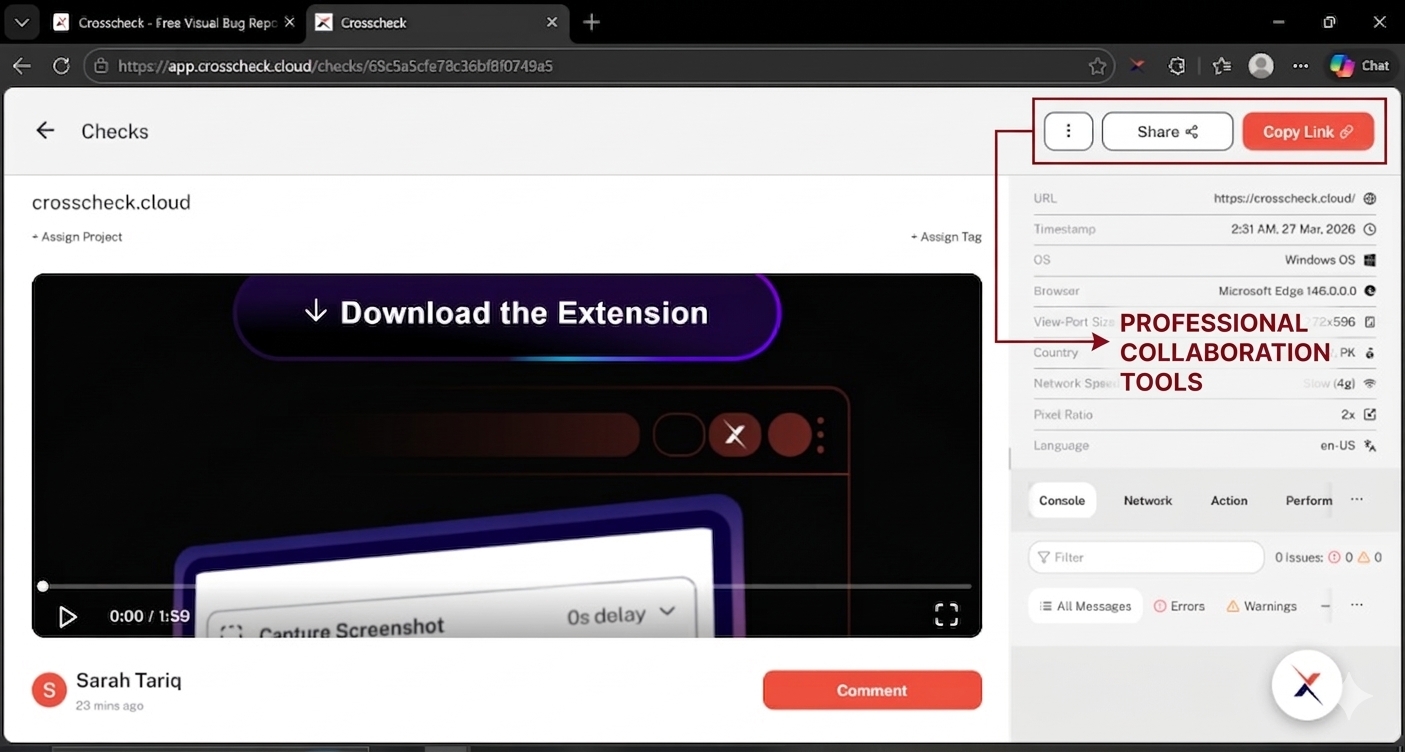
In the check detail view, click the Share button located in the top-right area of the page.
3
Toggle the public link
In the Share this check dialog, switch the Private / Public toggle under Who has access to Public. As soon as you do, the check link at the top of the dialog (and the Copy Link button in the detail view header) becomes a public URL, and a "Check is now public" toaster appears at the top of the screen to confirm.
4
Copy and send
Click the Copy link icon at the top of the share dialog (or the orange Copy Link button in the detail view header) to copy the public URL to your clipboard. If you already shared the link with someone before flipping the toggle, the same URL is now public — there is no need to send a new one.
What Viewers See
When someone opens a public link, they see a streamlined version of the check detail view that includes:
- The check media (screenshot, video, or replay player).
- DevTools data (console logs, network requests, user actions).
- Page metadata (URL, browser, OS, and timestamp).
Team-specific information such as project details, internal comments, and workspace settings are not visible on the public view.
No account required
Anyone with the public link can view the check. They do not need to create a Crosscheck account or be a member of your workspace.
Deactivating a Public Link
You can deactivate a public link at any time by toggling the Public Link switch back to the off position. Once deactivated:
- The previously shared URL will immediately stop working.
- Anyone who tries to open the link is redirected to the login page; if they are already signed in, they are sent to their All Checks view instead of the private check.
- You can re-enable the public link later if needed.
Be mindful of sensitive data
Public links are accessible to anyone with the URL. Before enabling a public link, review the check to ensure it does not contain sensitive information such as API keys, credentials, or personal data in the captured console logs or network requests.
Last updated: March 2026